LumeX
About App
User Stories
Blog
FAQs
About App
User Stories
Blog
FAQs

01/11/2025/12.00
ჩვენ დავიწყეთ!
In case of an emergency, the one-time service fee for dispatching the security crew to the incident location is 55₾
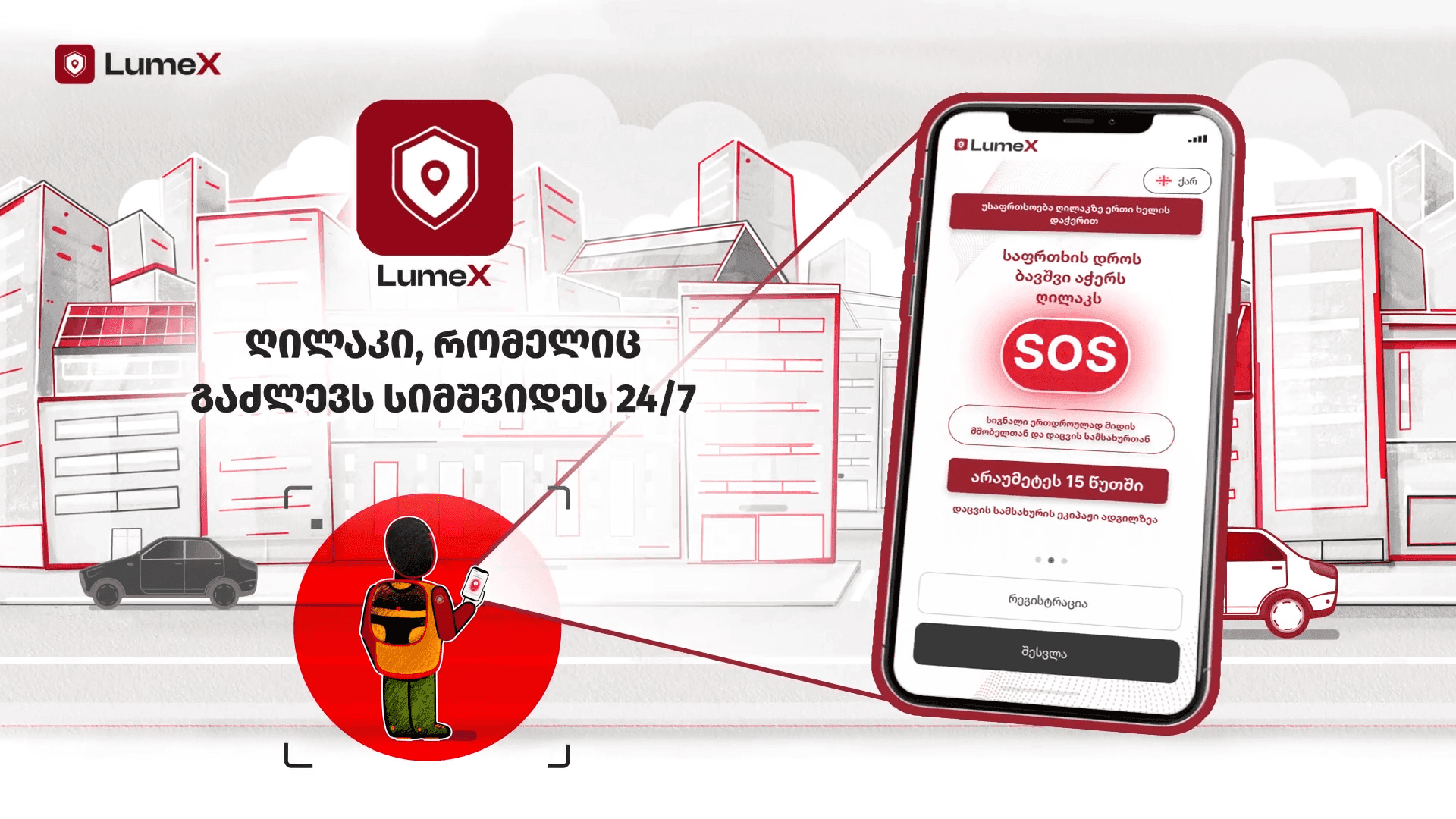

How to Set Up the “Lumex” App
Today, every parent thinks about how to protect their child. Lumex was created exactly for this purpose. Download the app from the App Store or Google Play, both on the child’s and the parent’s phones. Connect your child to your profile - after that, information about your child will automatically appear on the parent’s phone.
How to Add a Child’s Device to the Parent Profile
The SOS button is one of Lumex’s most valuable features. It provides direct communication between the child and the parent in critical situations. The SOS button is located on the child’s phone. If the child feels threatened or needs help, they can send a signal to the parent’s phone with just one press.
How the SOS Function Works and Why It’s Important
For a parent to manage their children’s phones effectively, each device must be properly connected. In Lumex, this process is very simple and requires just a few steps. Open the app on the parent’s phone and select “Add Child Device” from the menu

When the child presses the alarm button, a notification and SMS alert are sent to the parent’s app.
The app can be installed on both iOS and Android devices.
Yes, an Internet connection is required to use this app.
The parent can cancel the alert within 3 minutes.
Personal data is accessible to the app and, in case of an alarm, to the security service operator. For more details, see our Terms and Conditions.
Yes, the parent can purchase a package for multiple children and add all of them from their app.
Emernecy call:
LLC Lumex code 405757925